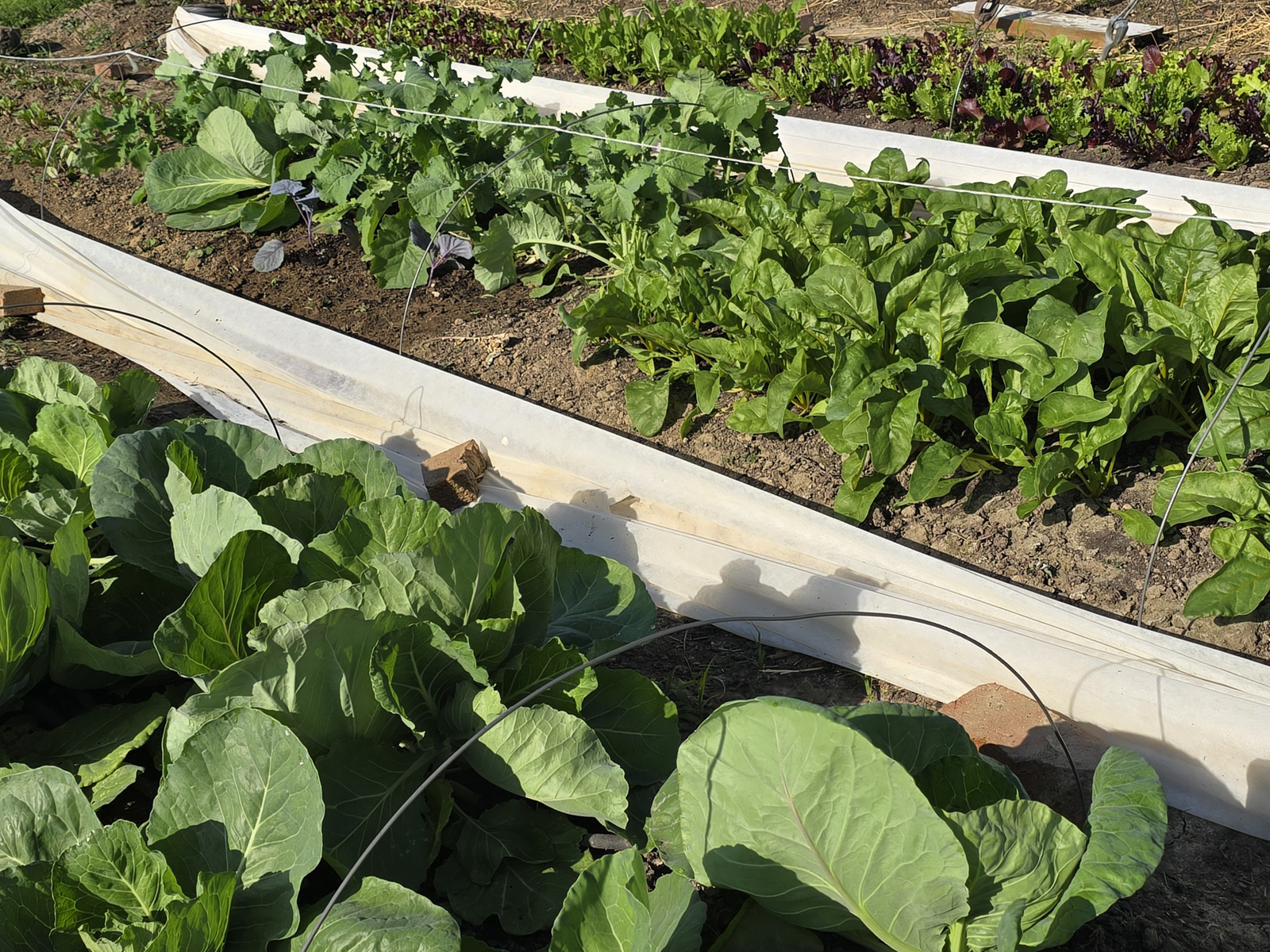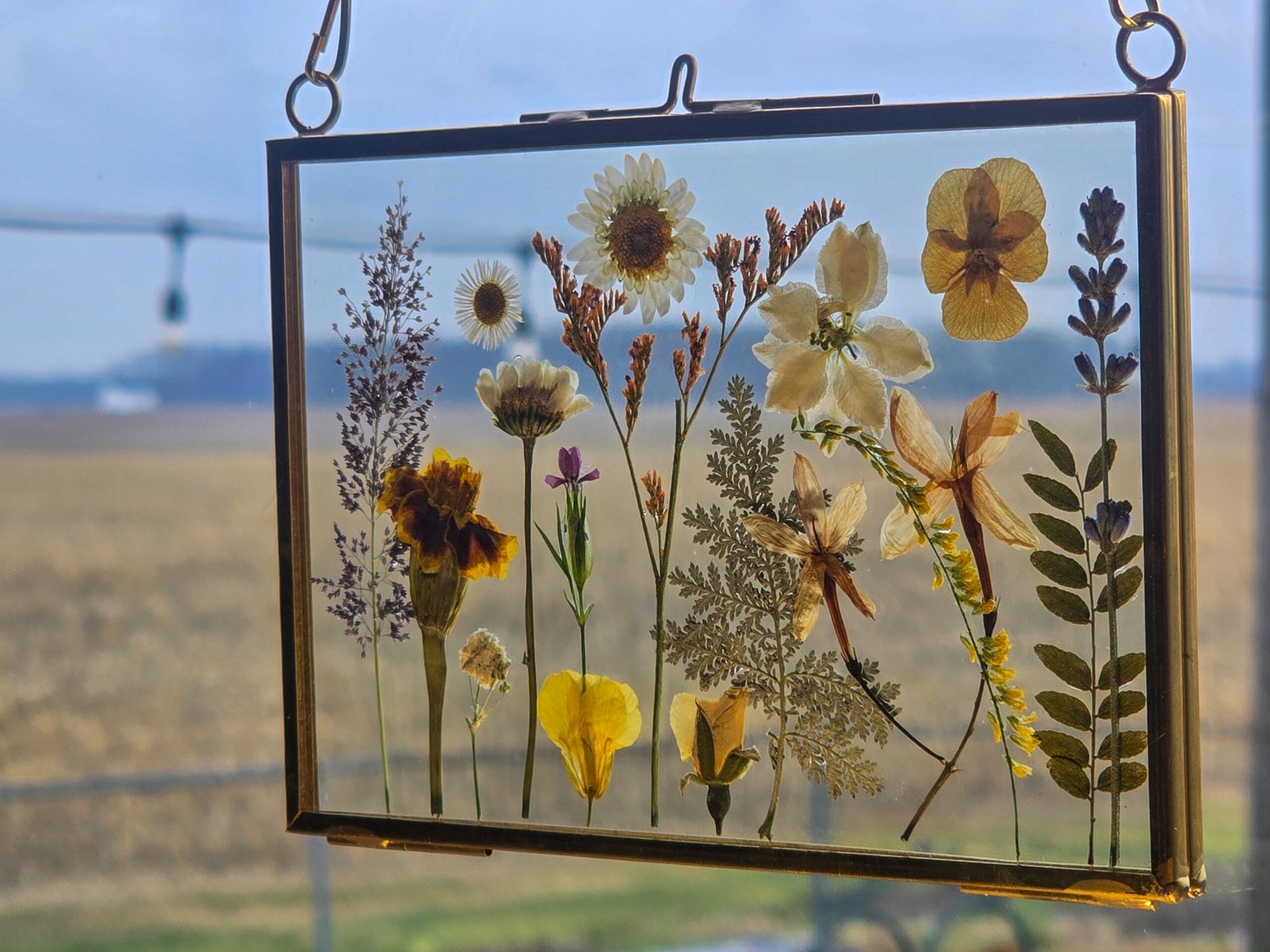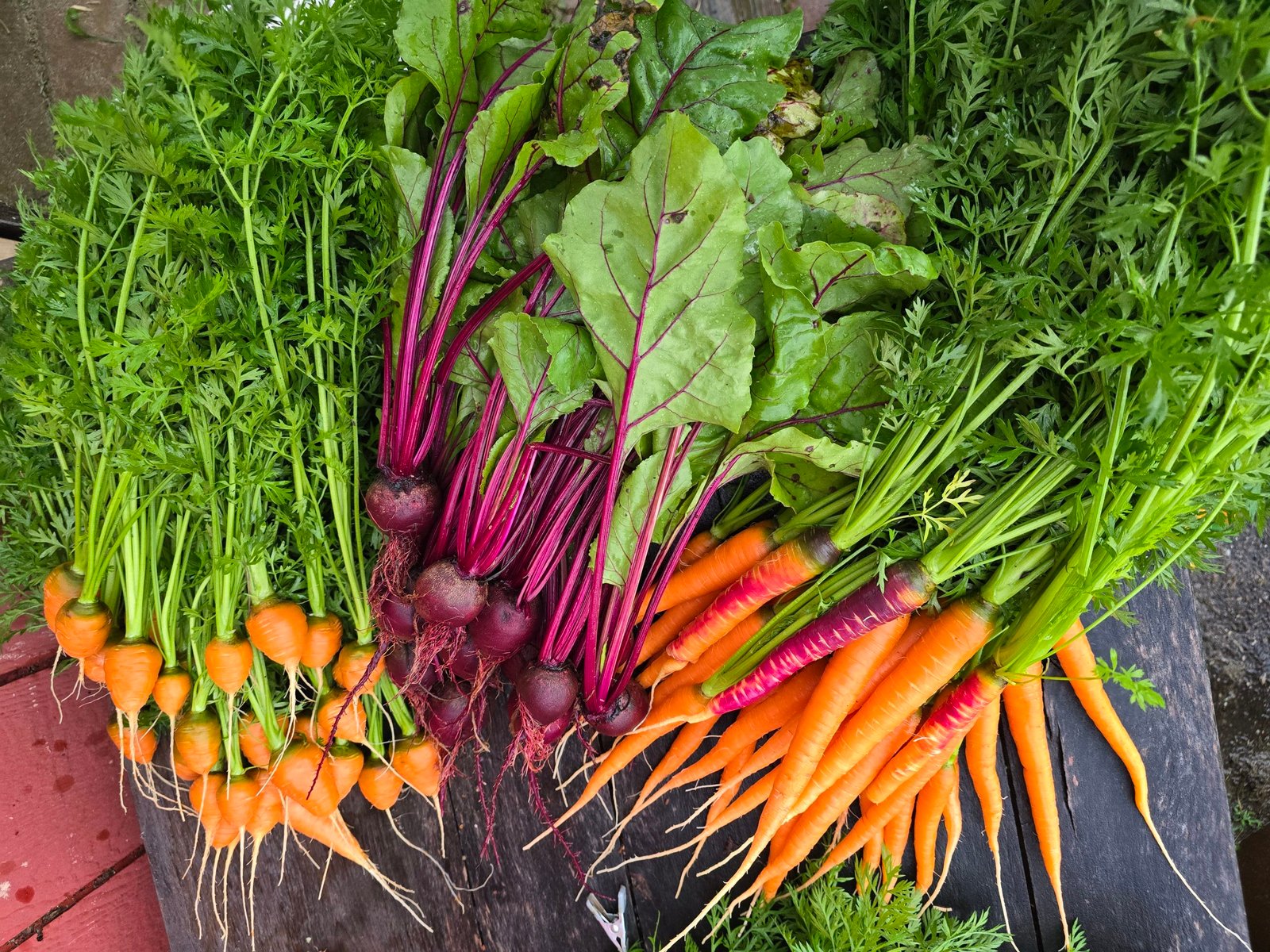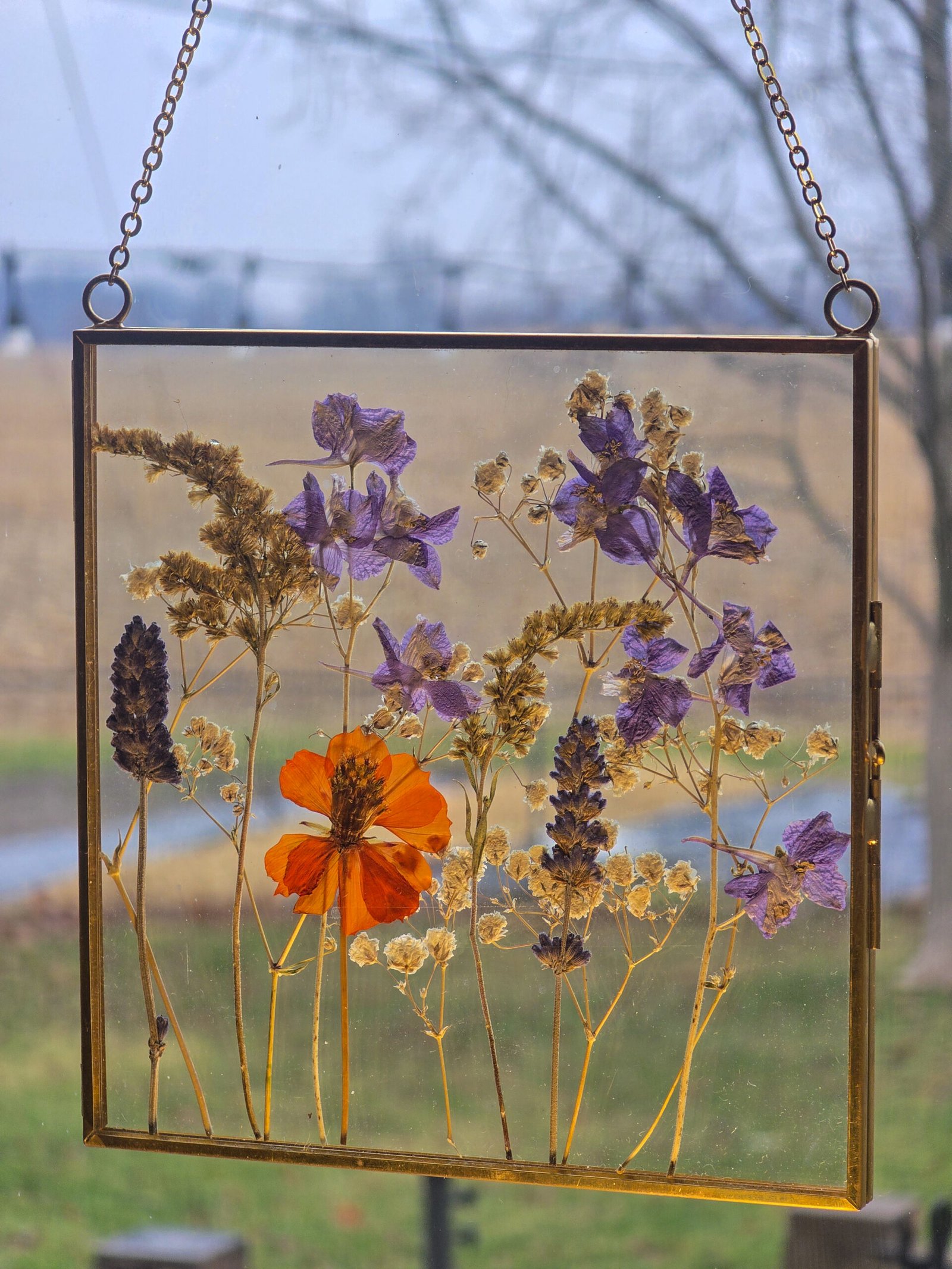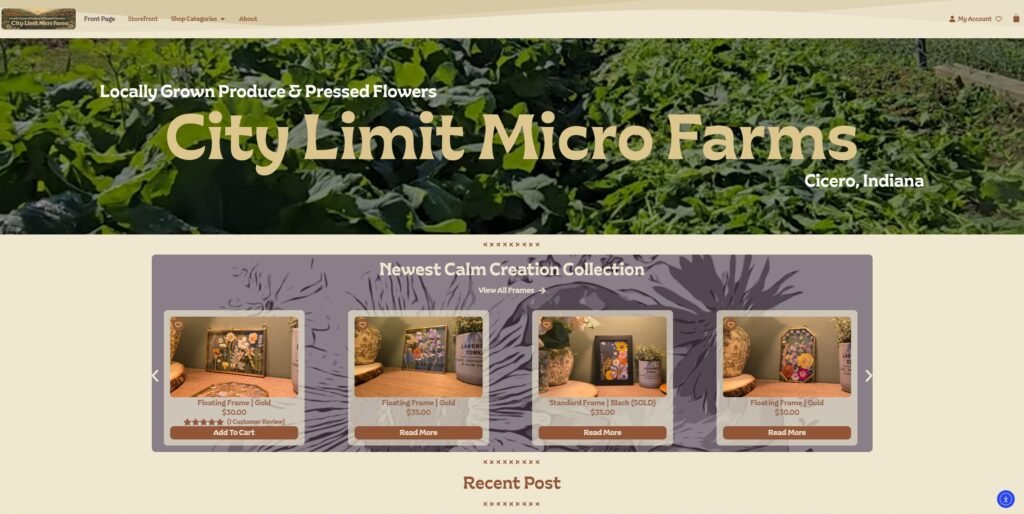
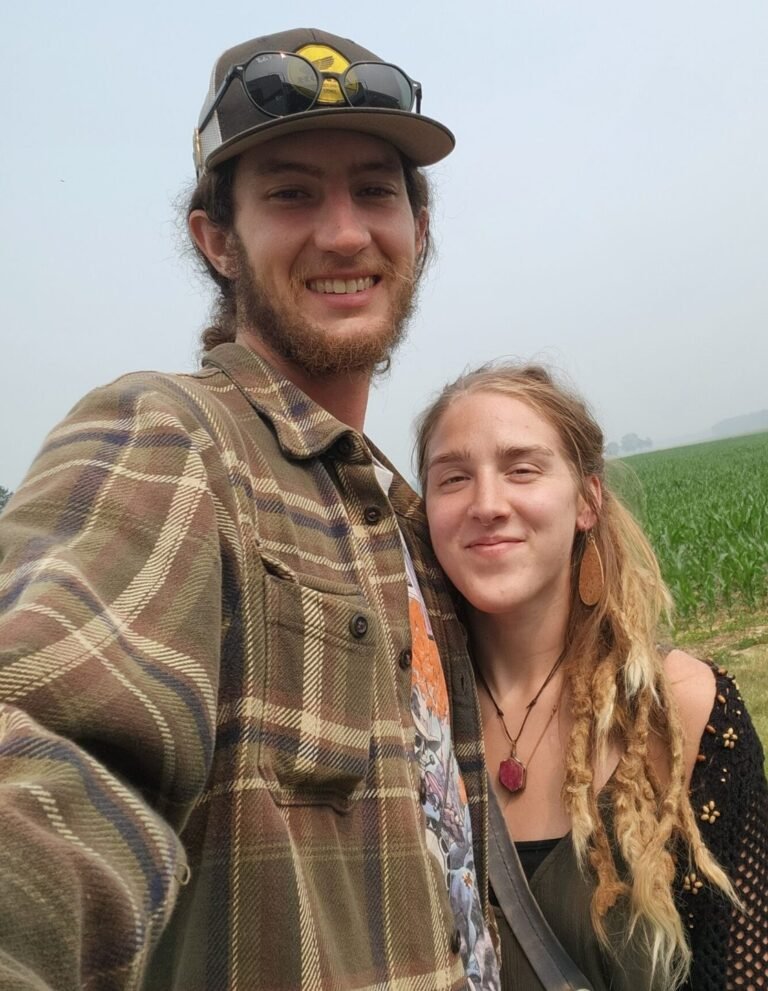
Hey y’all, we hope everyone is having a great winter! I thought after we had our final harvest last year, my mind would have taken a break from all of this gardening stuff. Hah! Nope. Straight to the “over the winter list“. One of those things to do… give a little love to the website! With a touch of rebranding and a 12 hour tutorial later, welcome to citylimitmicrofarms.com! 🙂
I must mention, we will see where this site ends up. It’s one of those things where the best case scenario is the worse case scenario… if everything gets pre-ordered or sold during the week, we won’t have any produce to bring to the farmers market on Saturdays! Soo currently, with our part time status, limited growing space, and still very beginner crop planning abilities, we first want to make sure that we have at least some produce to sell at market.
Feel free to explore the rest of the Welcome / How-To page to see if pre-ordering fresh produce would be of interest to you this summer! Local customers can register at the bottom of the page, it’s FREE!
Front Page – Where the newest items and post can be seen!
No. If you are only interested in purchasing frames or other items from Calm Creation, you do not need an account. If you want to use features like creating a wishlist, or easy to view order status and tracking, you can create an account at checkout or click here!
Yes. Our produce ecommerce is only available locally. If you create an account you will have full access to the website and be able to buy or pre-order produce online and receive it by delivery or pickup! We currently only have the system open to folks in Cicero, Arcadia, Atlanta and Noblesville. Although, we can make exceptions if you are not in these areas and would like to strictly pickup your orders. Feel free to send us an email at hello@citylimitmicrofarms.com if that is you! 🙂
COMING SOON!
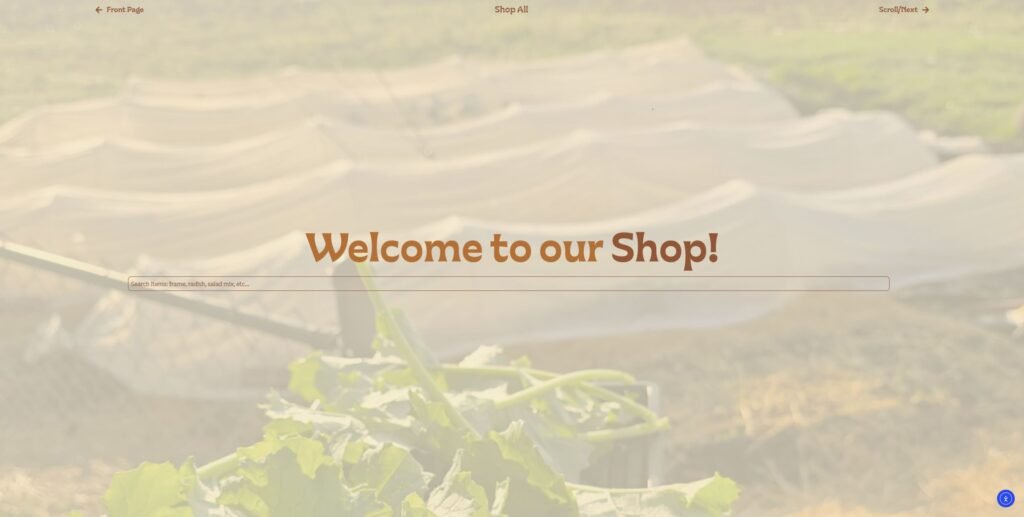
Storefront – Search products, shop all or scroll for quick abouts!
Being able to pre-order produce is the first function that we will have available on our website! Since we haven’t done anything like this before, the day that we send out the pre-order emails may shift as we refine and learn the operations. Right now we plan to send out the emails on Mondays with pre-ordering closing on Thursday evenings at 8pm.
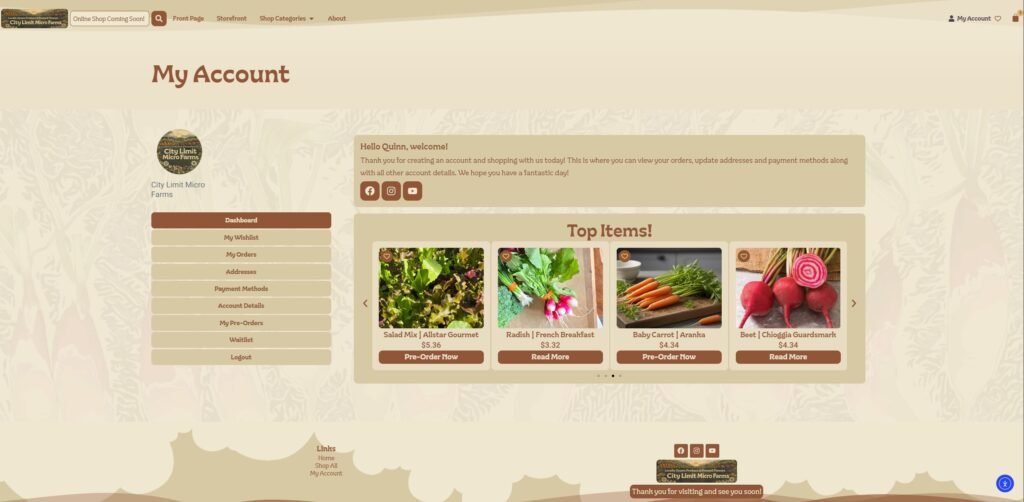
My Account – View orders, tracking and other account details.
Once an account has been created you will be able to view your dashboard! There are several tabs within your account including…
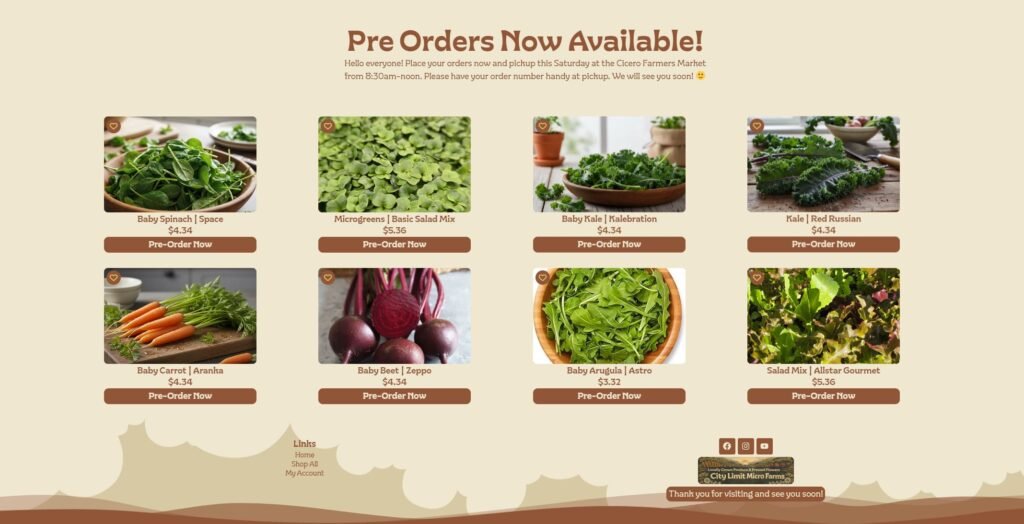
If you have opted into receiving our fresh list, the link sent out each week will take you directly to the page where you can see all of the produce that we have available for pre-order! You can add items to your cart by clicking the Pre-Order Now button or if you would like to get more information, you can view by selecting the images!
Pre Order Page – This is what the Fresh List will look like each week!
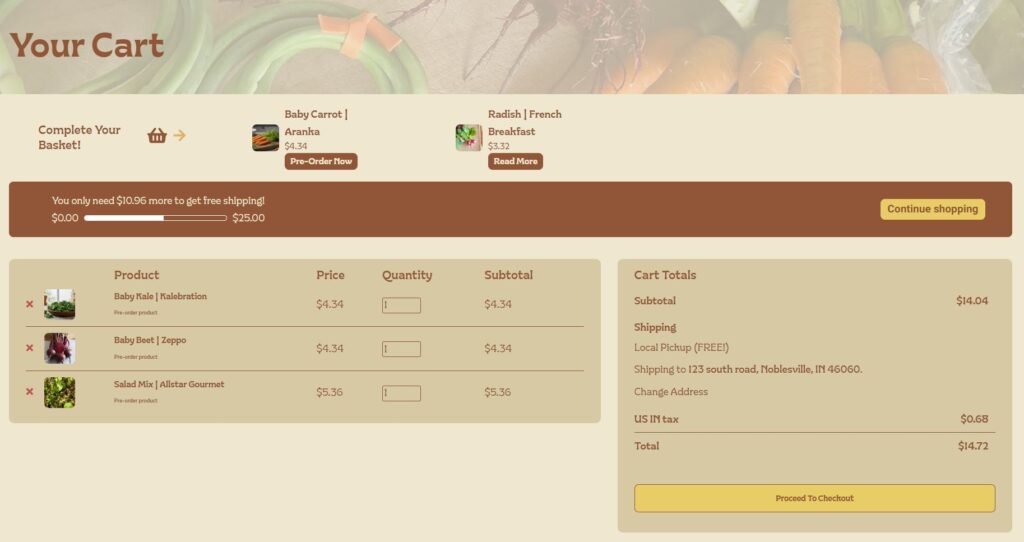
You can view your cart by selecting the shopping bag icon located at the top right of the page. Here you can have a quick look at your items, adjust the quantity or remove them. To help keep folks coming out to our small towns farmers market, we are going to start a new promotion this year. After your fourth pre-order market pickup or in-person purchase, you will receive a 25% off coupon to redeem on our site or used at our booth!
Your Cart – View items, adjust quantity or remove products.
The checkout page is just like any other but with a couple added fields specifically for our shop!
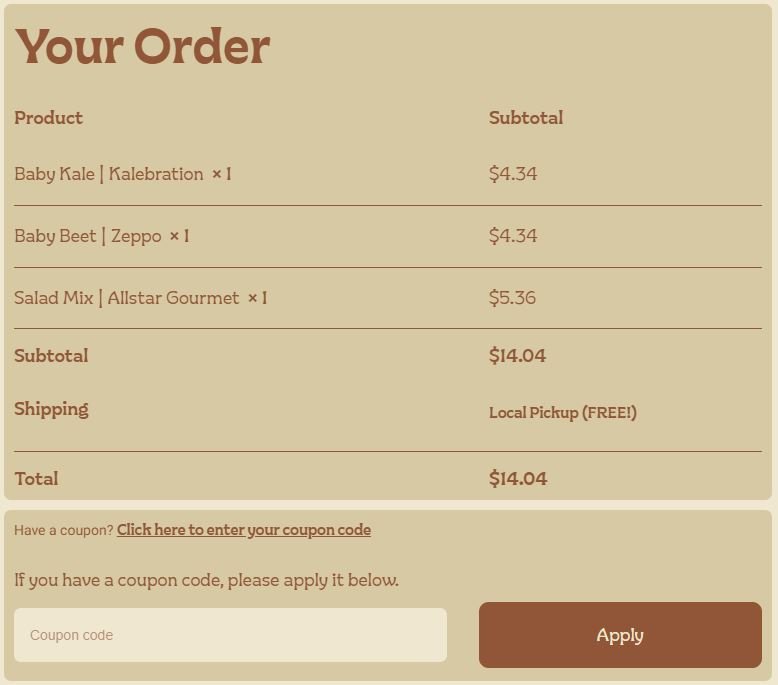
Double check your order and don’t forget to enter any coupon code that you have received.
Your Order – Don’t forget to use those coupon codes!
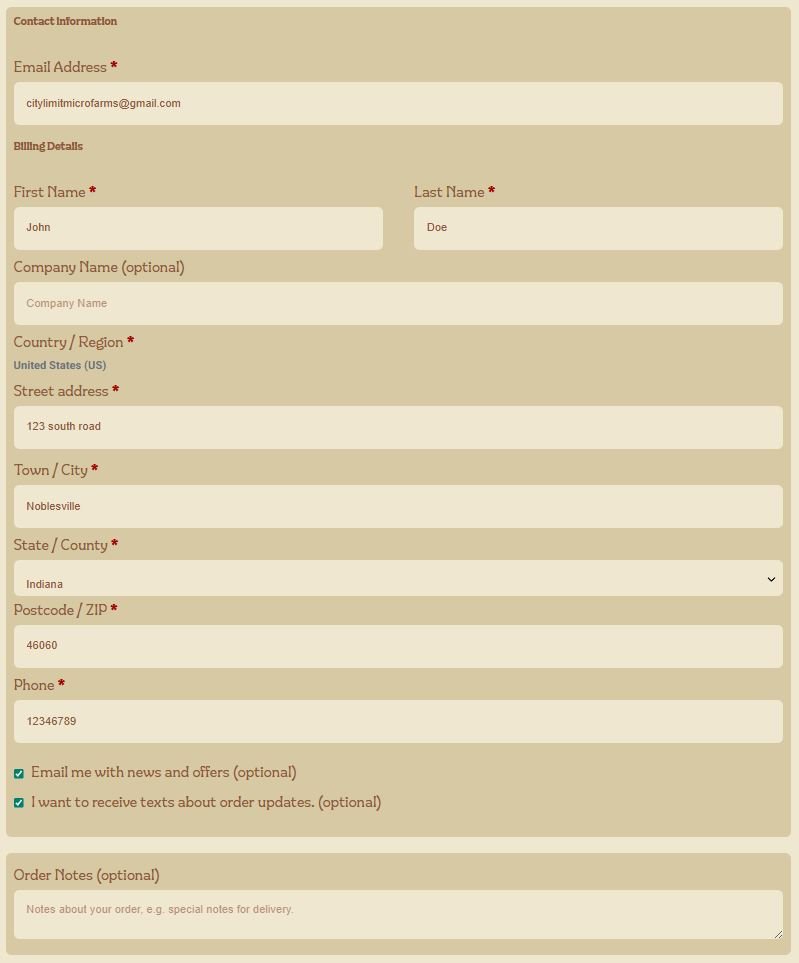
The first section is all of the basics plus a couple of checkboxes at the bottom if you would like to opt-in to receiving emails with news and offers. Text messages will only be use for last minute order updates and or delivery/pickup reminders.
Contact/Billing Information – Email/text optins boxes also available.
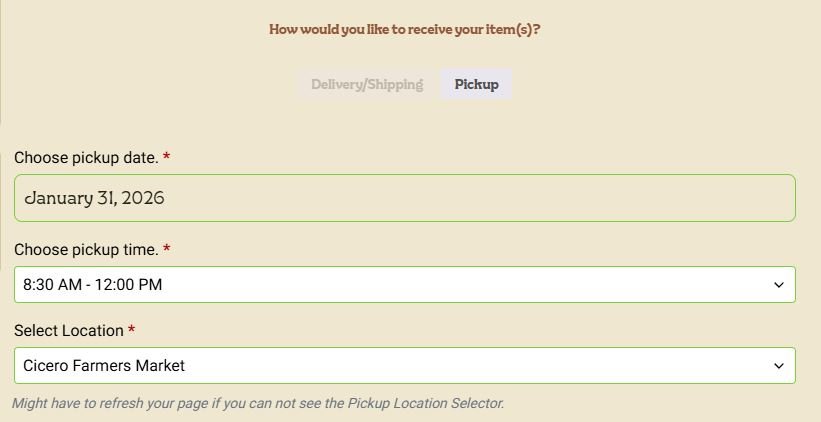
Pick-Up Selector – Please fill out in this order and refresh the page if you cannot see the Select Location. Sometimes there’s a weird glitch and the location selection does not show up. (1. Date, 2. Time, 3. Location)
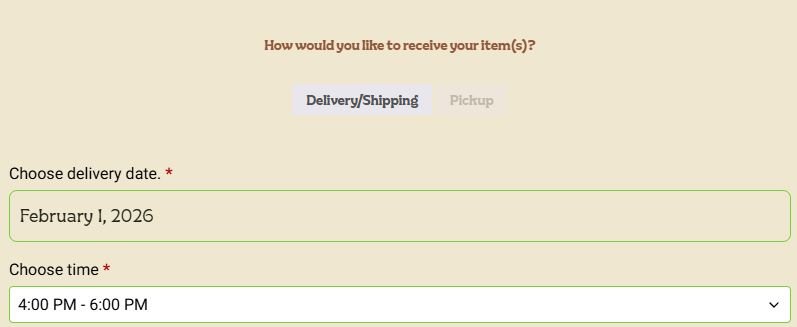
We are happy to also offer local delivery on all online pre-orders and purchases, just make sure to fill out the shipping section if it is different from your billing. We do have a five dollar delivery fee but if you spend $25 or more we will deliver to you for FREE!
Local Delivery Selector – In the rare case when wanting to ship a Calm Creation Frame to a different address than what was used to sign up for the website, please fill out this section with date order is placed. Thank you!
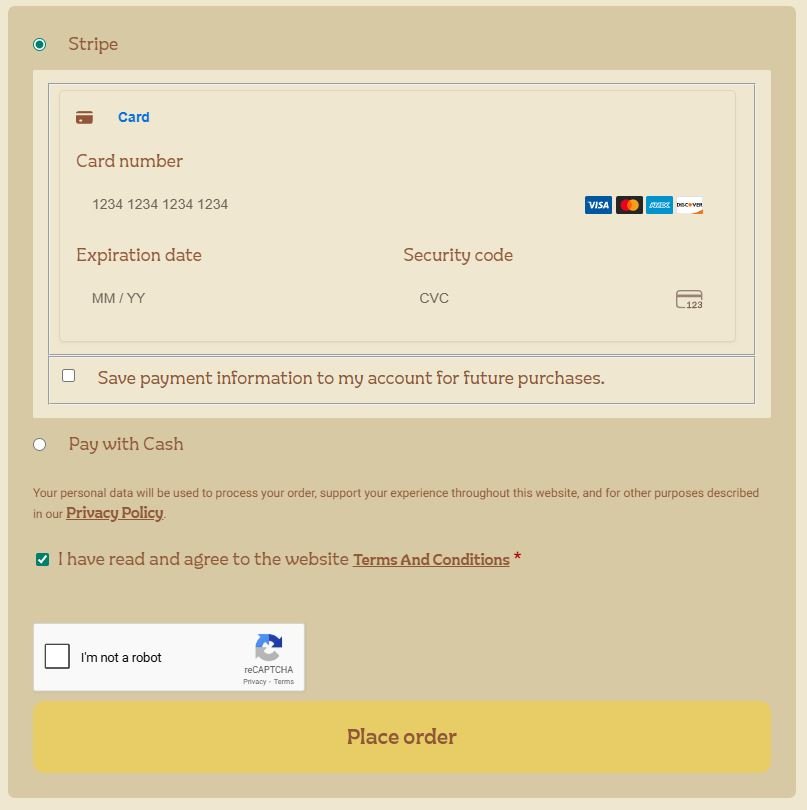
The final step on the checkout page is the payment section! You can pay with your card or if you would rather pay with cash at pickup or delivery you can do so by selecting that option here too! Once you have placed your order, you will receive a confirmation email or you can view your purchase in your account.
Payment – If you are wanting to pay with cash at pickup or delivery, check the option below the card info box! 🙂
We appreciate you considering shopping with us and signing up for our our free pre-ordering service this season! We are very excited to get to growing and to utilizes this website as there are a couple other features that we would like to integrate as time goes on. I will put a link to this Welcome/How-To page in the account dashboard so it can be accessed at anytime. If you would like to create an account, please click the button down below! Thank you again! 🙂
Email us with any questions you might have! hello@citylimitmicrofarms.com